Film and video production
Use it as a practical monitor insert, background control-room screen, close-up operator interface, or playback source during a scene.
Premium cyber-operations screen graphics for production design, live operator performance, client review, and high-end playback.
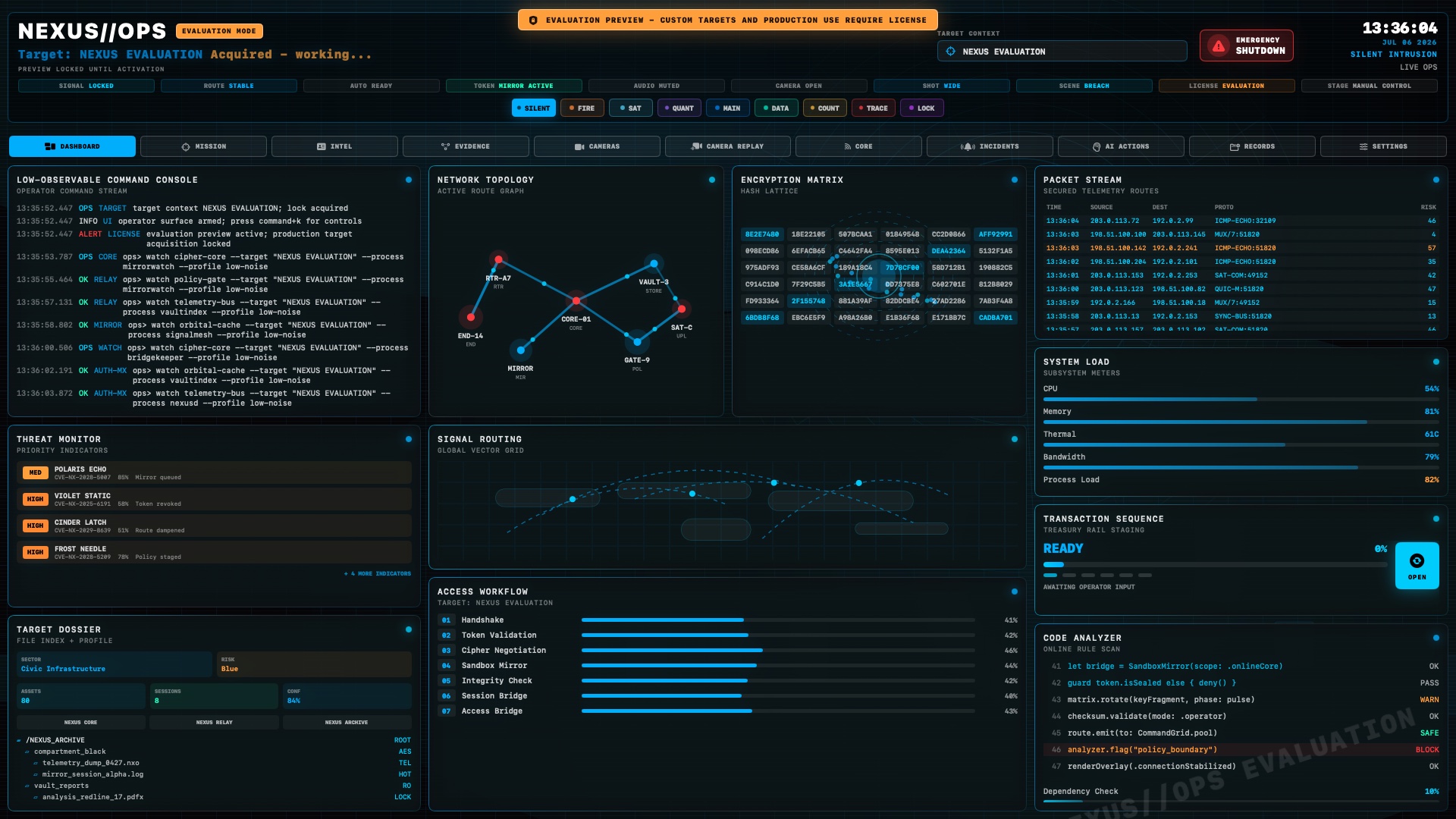
Built for screen graphics, not real intrusion. All telemetry, packets, hosts, logs, alerts, routes, hashes, and records are generated inside the app.
Offline Sandboxed Production safeNEXUS//OPS is made for creators who need a believable high-end operations interface on screen, without building custom graphics from scratch for every shoot, demo, pitch, or live presentation.
Use it as a practical monitor insert, background control-room screen, close-up operator interface, or playback source during a scene.
Drive the interface during takes, rehearsals, stage presentations, streaming setups, and client demos with fast visual changes.
Create a polished cyber-operations look for pitches, product videos, mock command centers, brand films, and premium tech visuals.
NEXUS//OPS gives directors, editors, designers, event teams, and creative operators a premium control-room interface that looks alive on camera and stays safe by design.
Live panels, metrics, action lanes, logs, and a high-impact operator workspace for wide shots and close-up inserts.
CCTV-style feeds with overlays, timestamps, signal artifacts, motion confidence, zone status, and event framing.
Entity mapping, timeline phases, receipt states, operator identity, and briefing context for story-driven visuals.
Automation mode, Command-K controls, camera-safe guides, emergency shutdown, and theme presets for live takes.
Decision support visuals, recommendations, confidence states, action queue, and premium animated analysis panels.
Self-contained SwiftUI build with no network access, no shell commands, no credentials, and no file scanning.
From mission control and intelligence views to camera walls, incident lanes, AI actions, records, and transaction staging, every screen is built for premium playback.
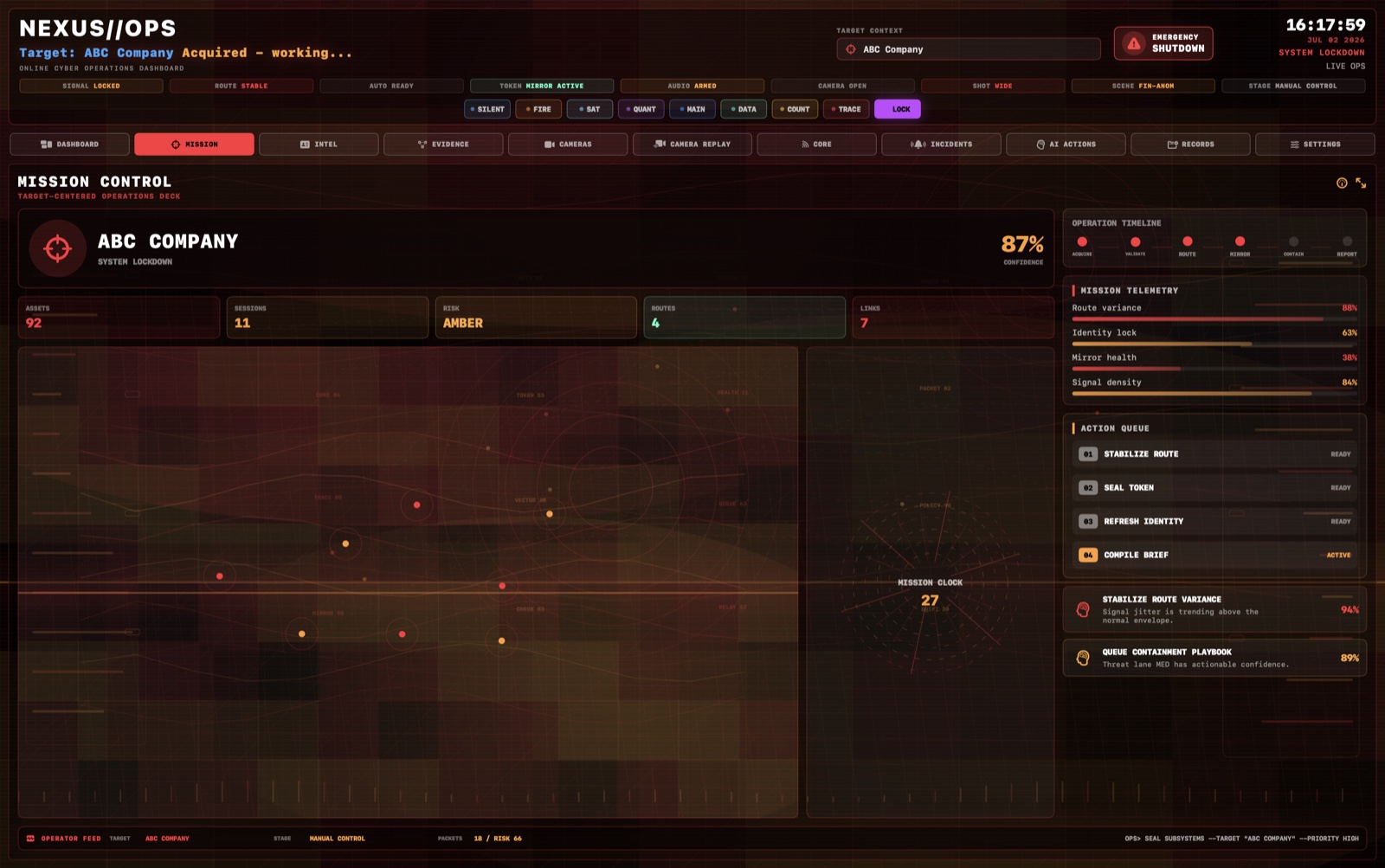
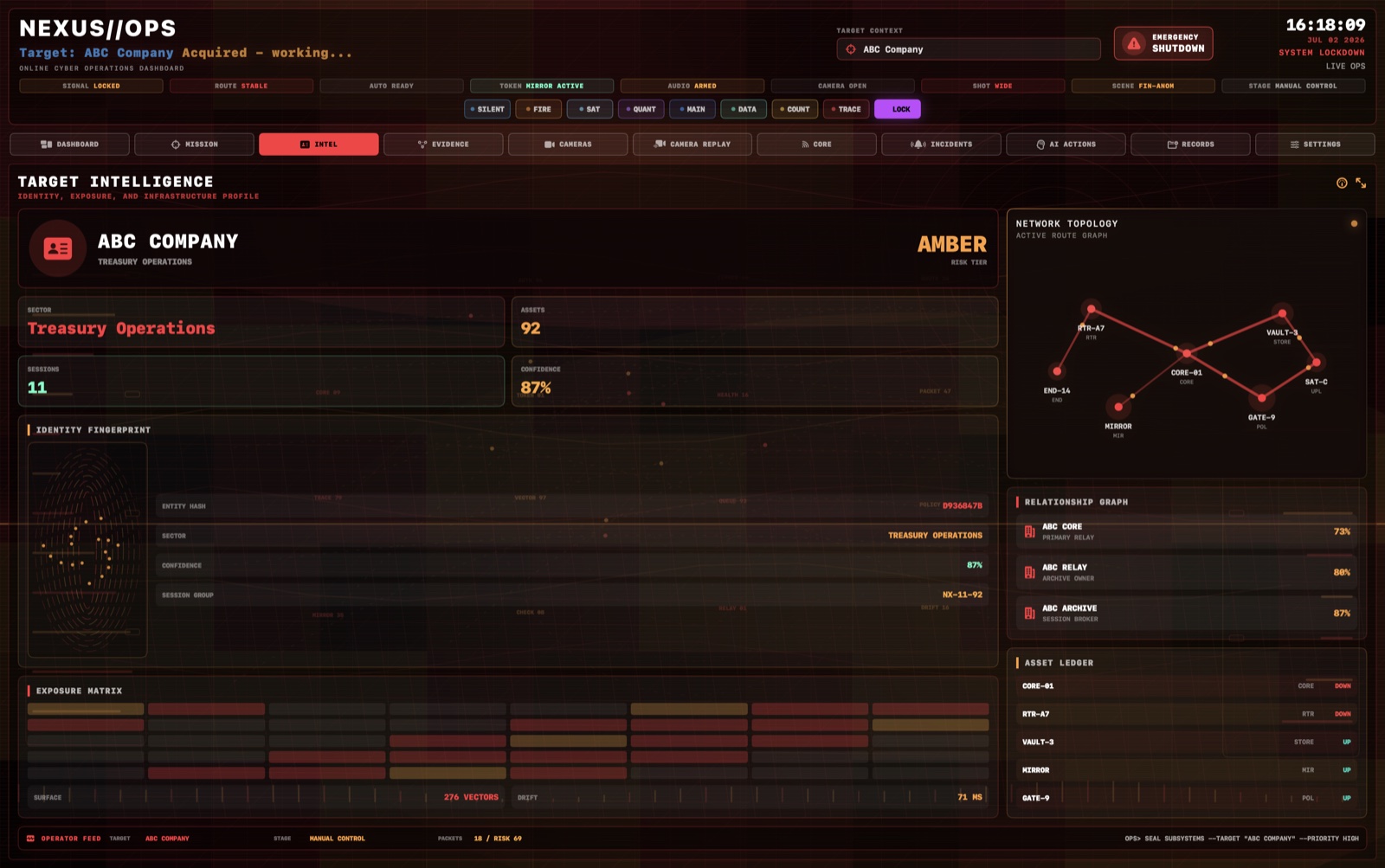
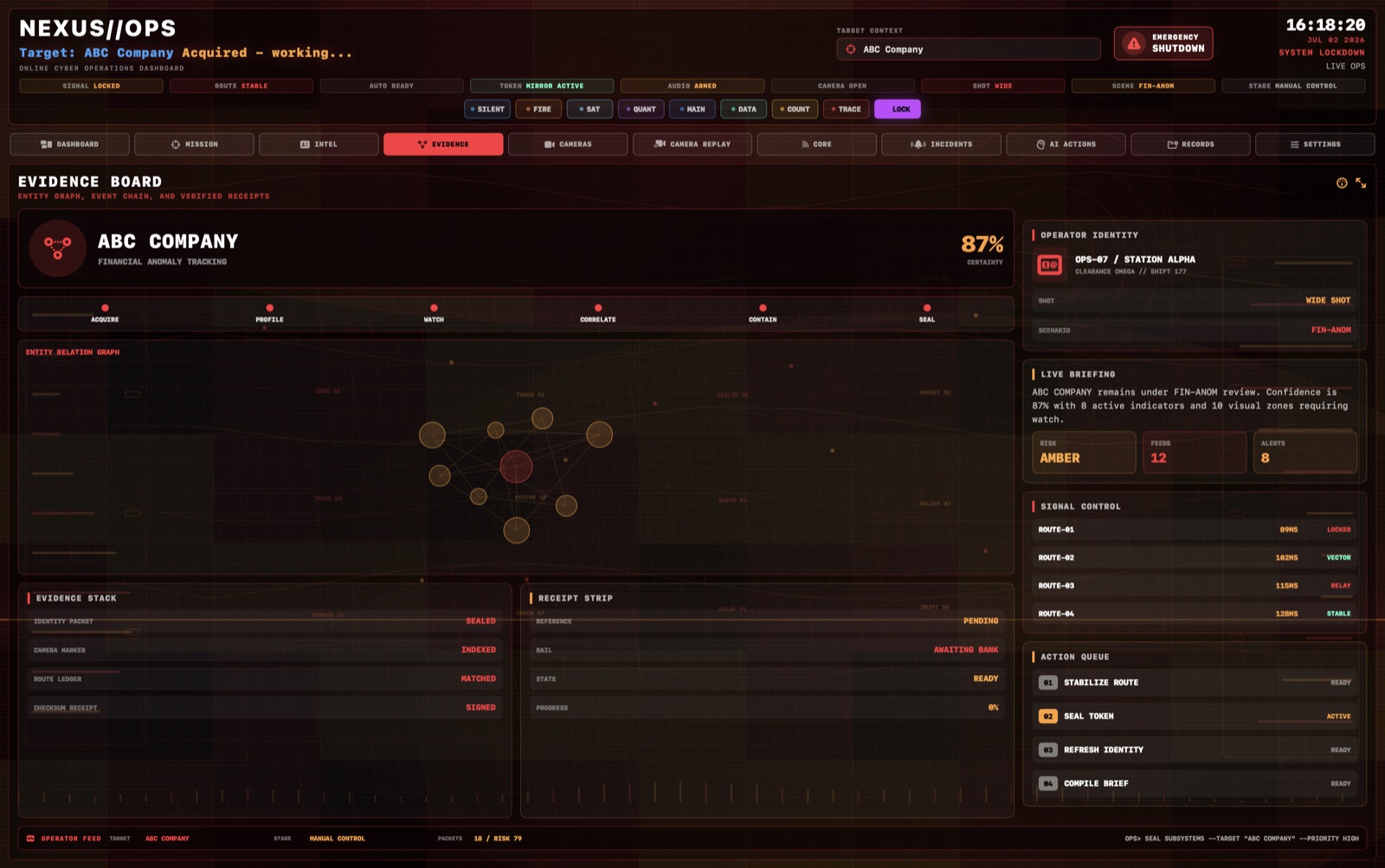
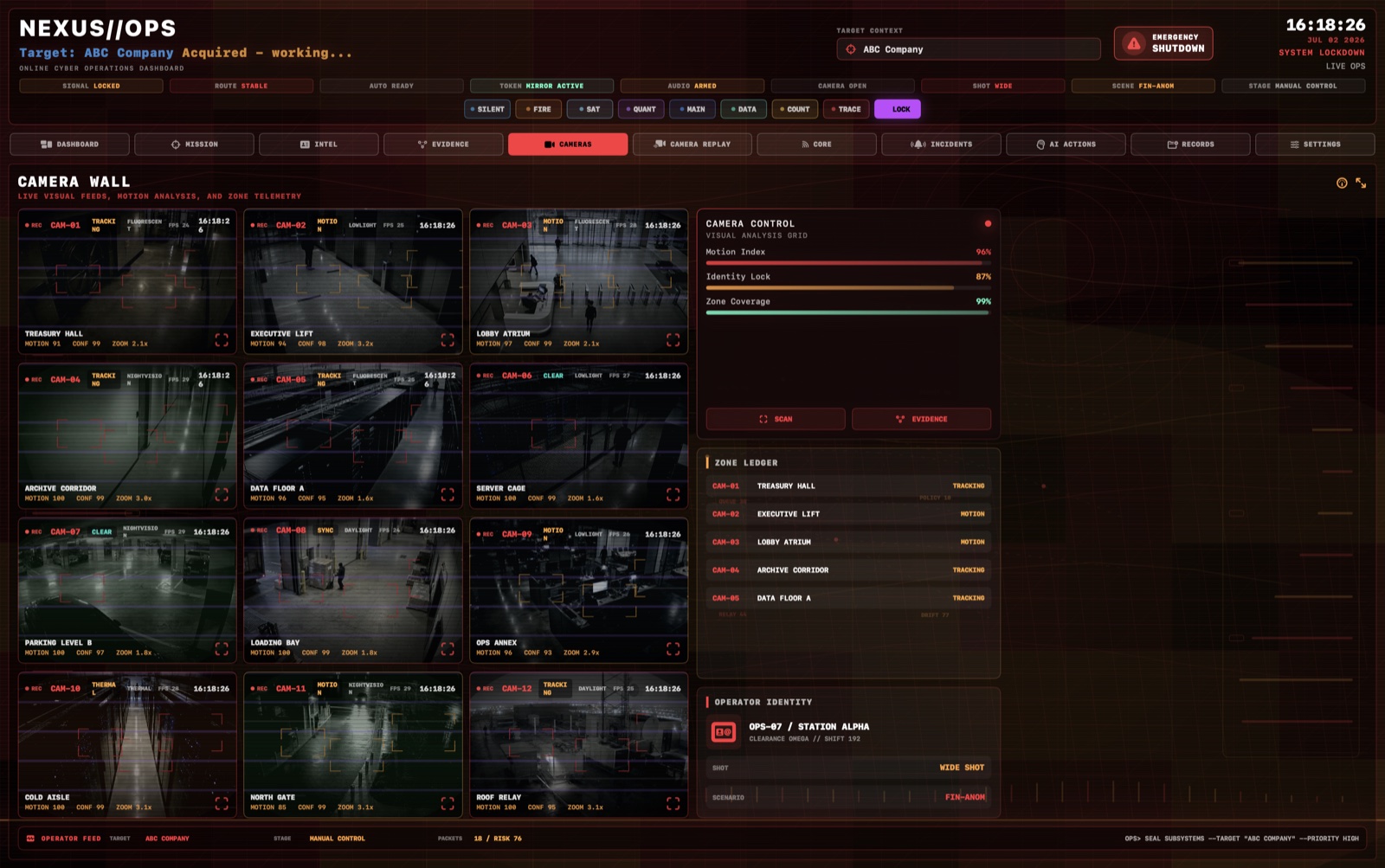
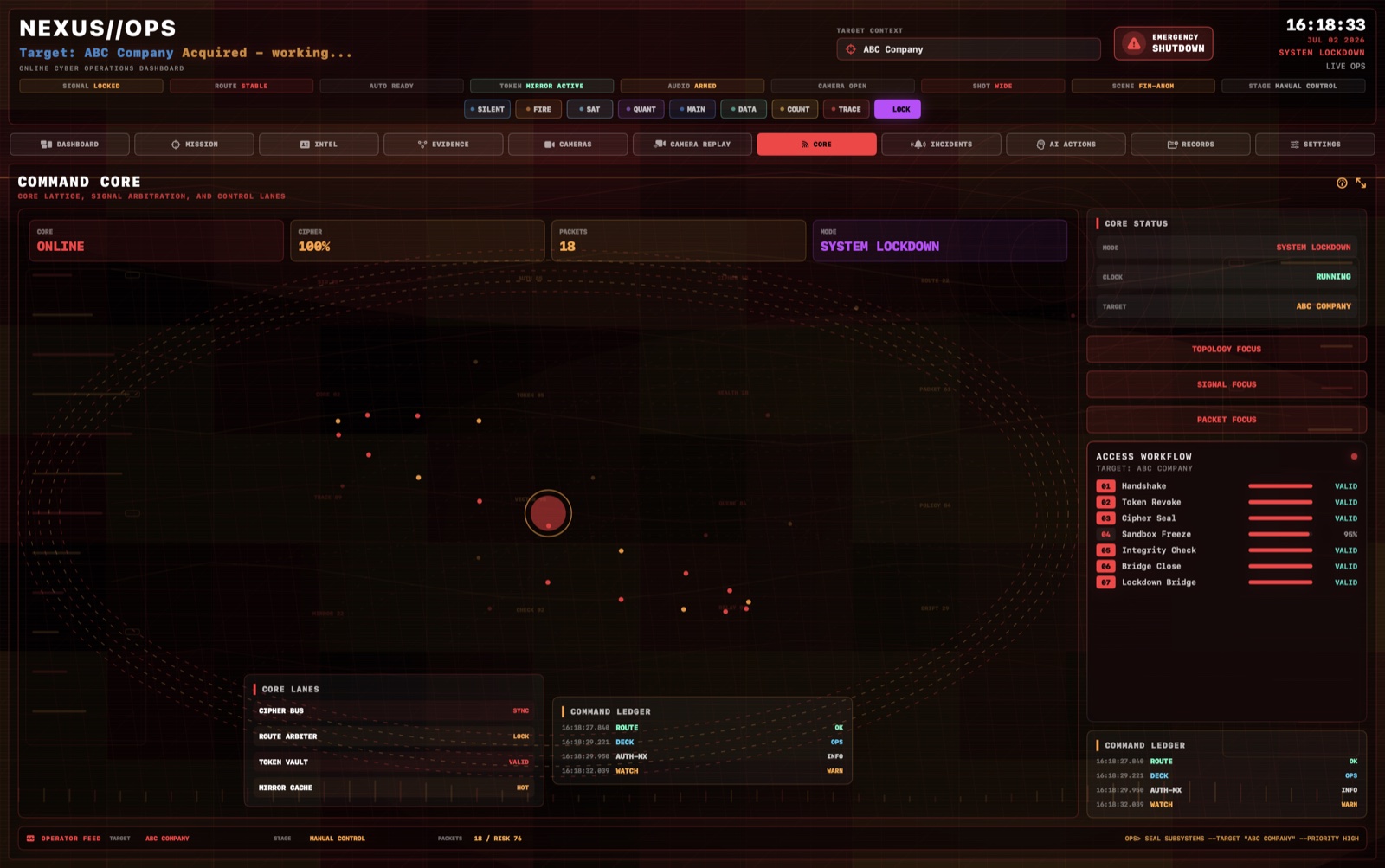
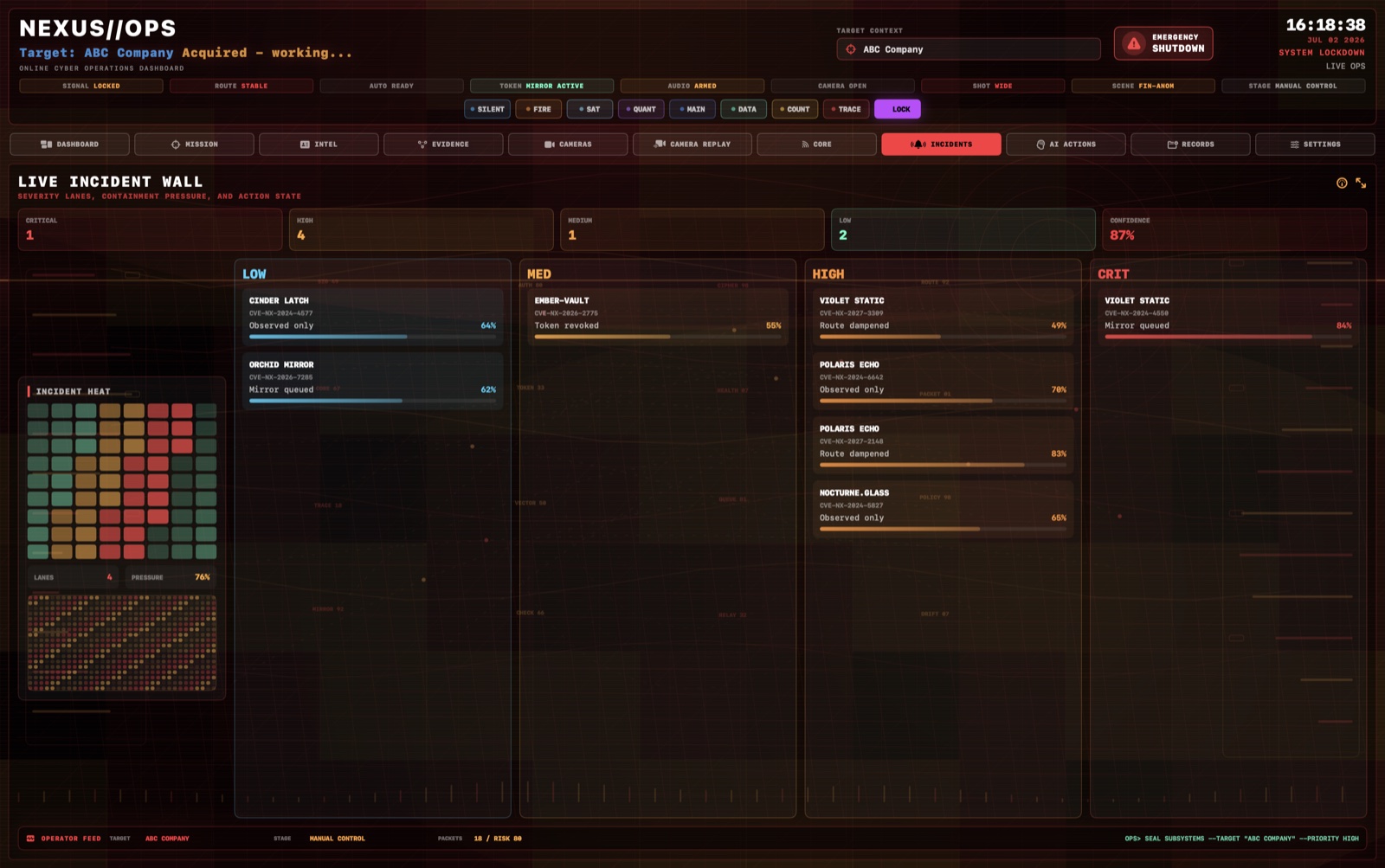
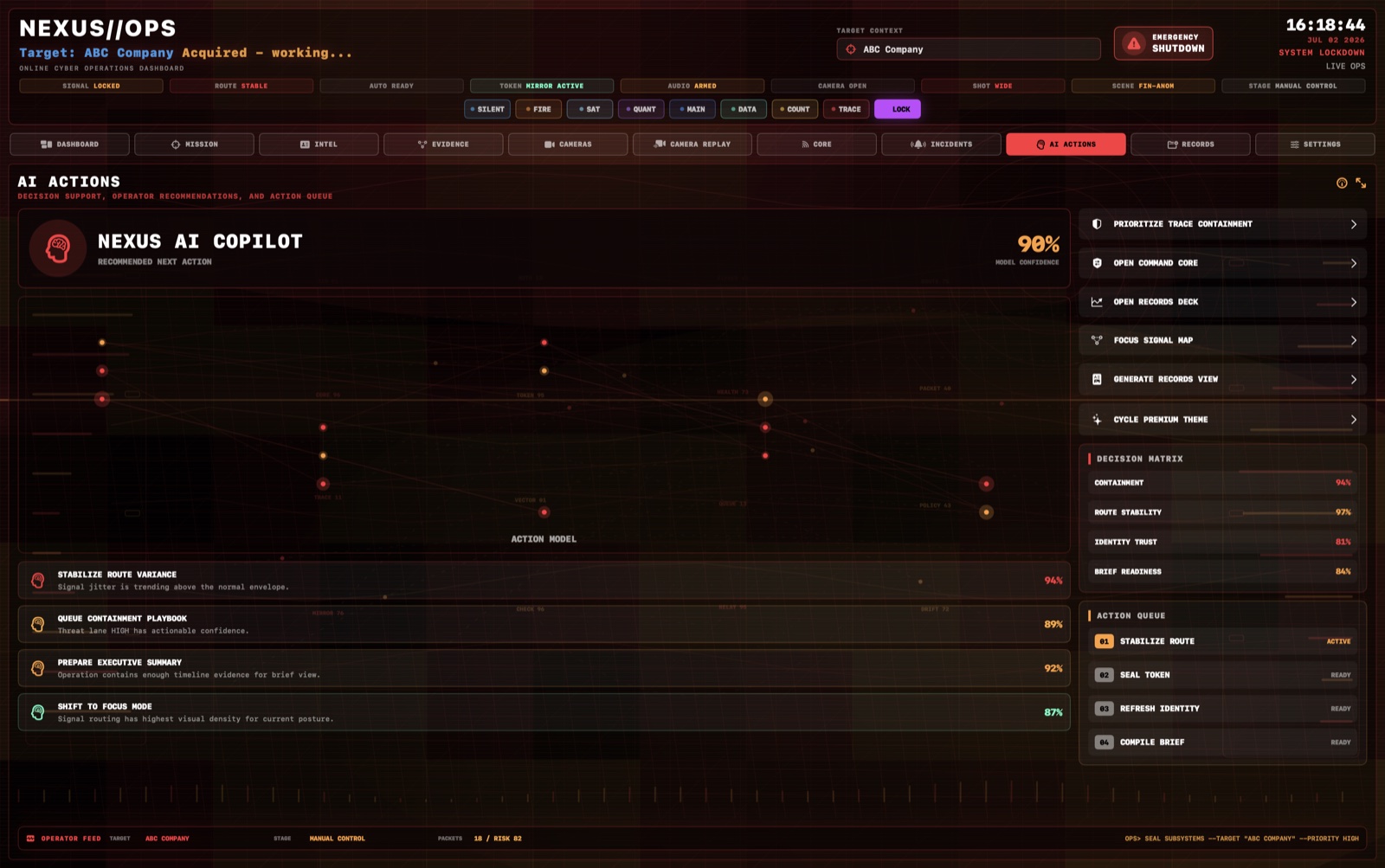
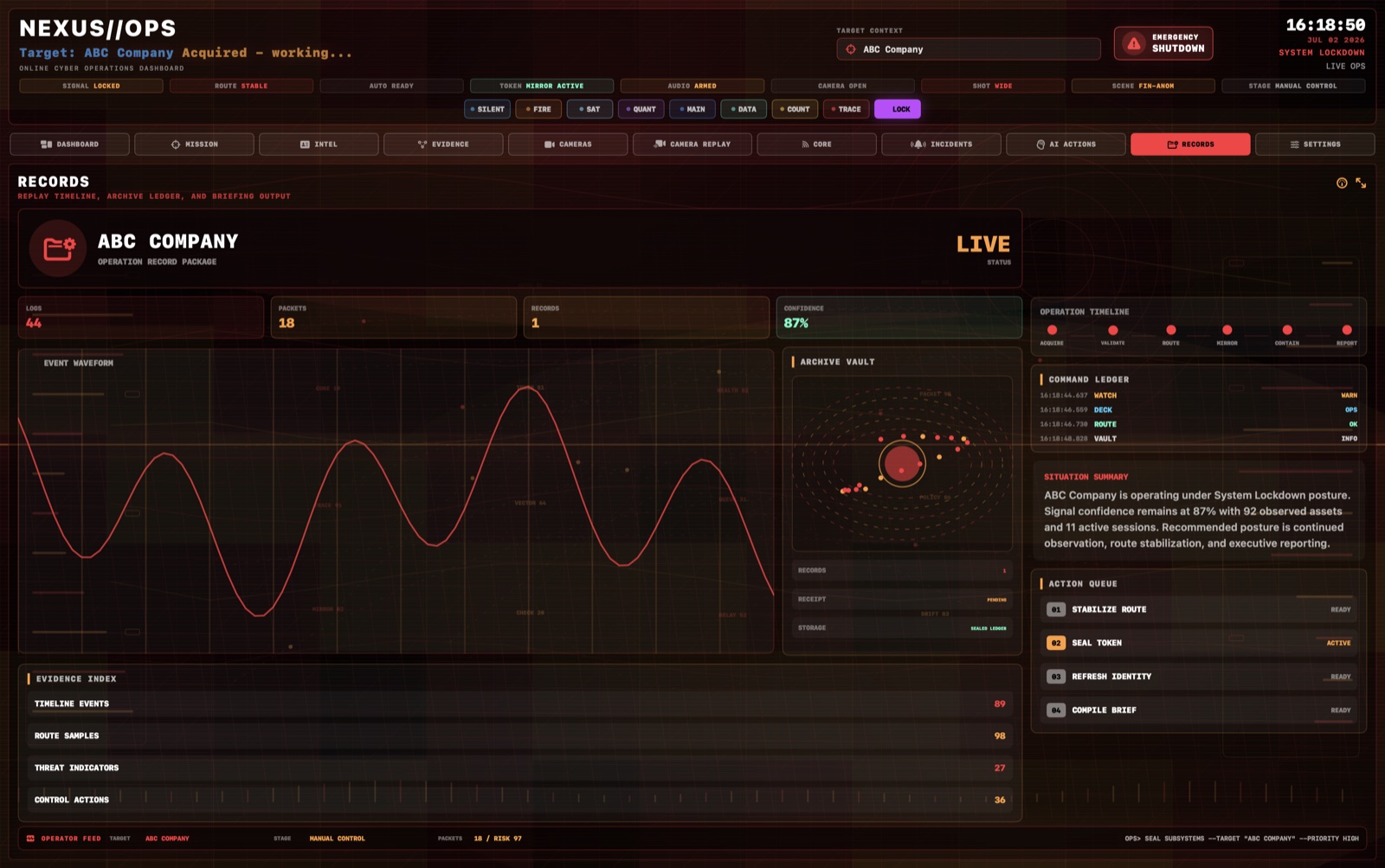
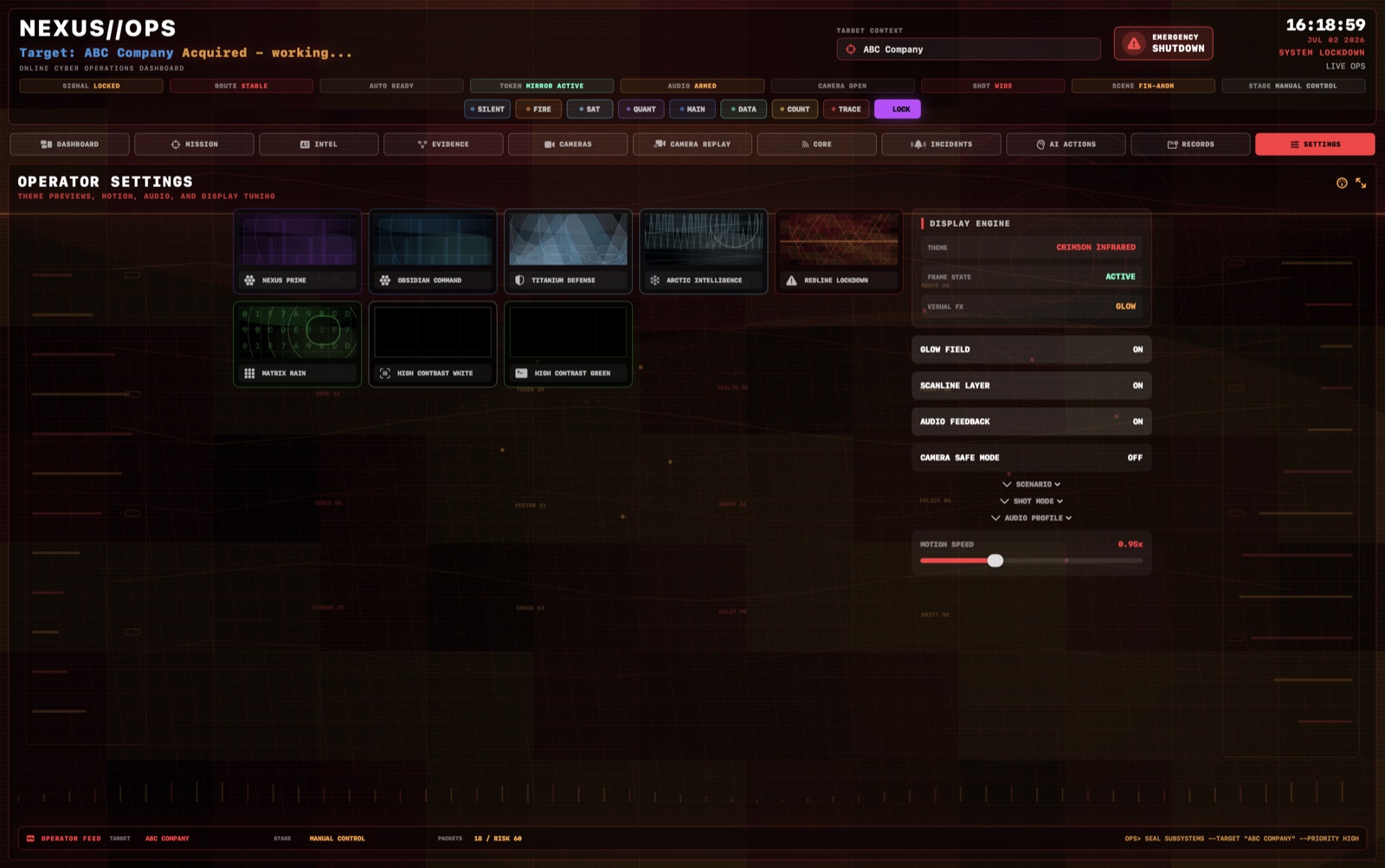
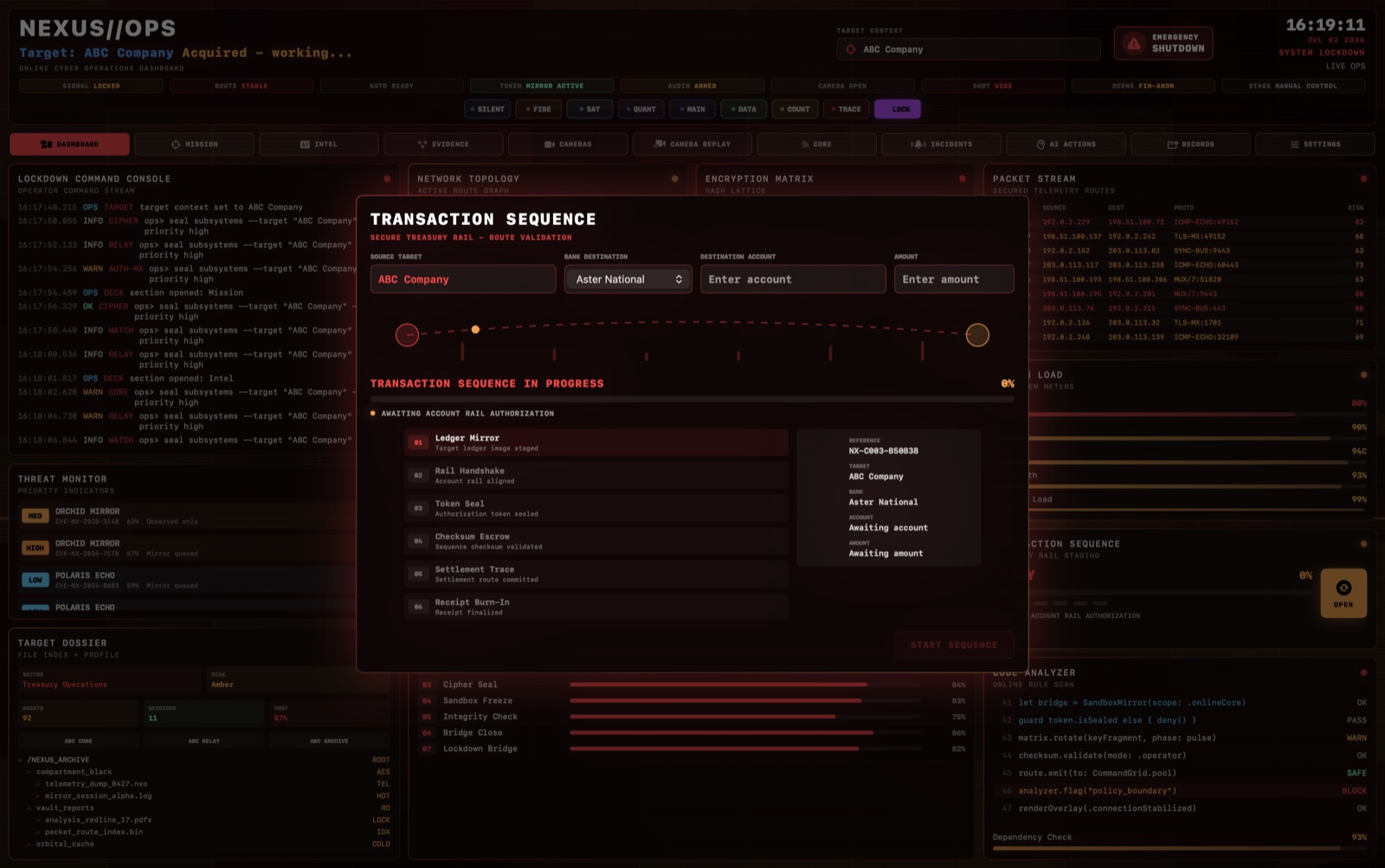
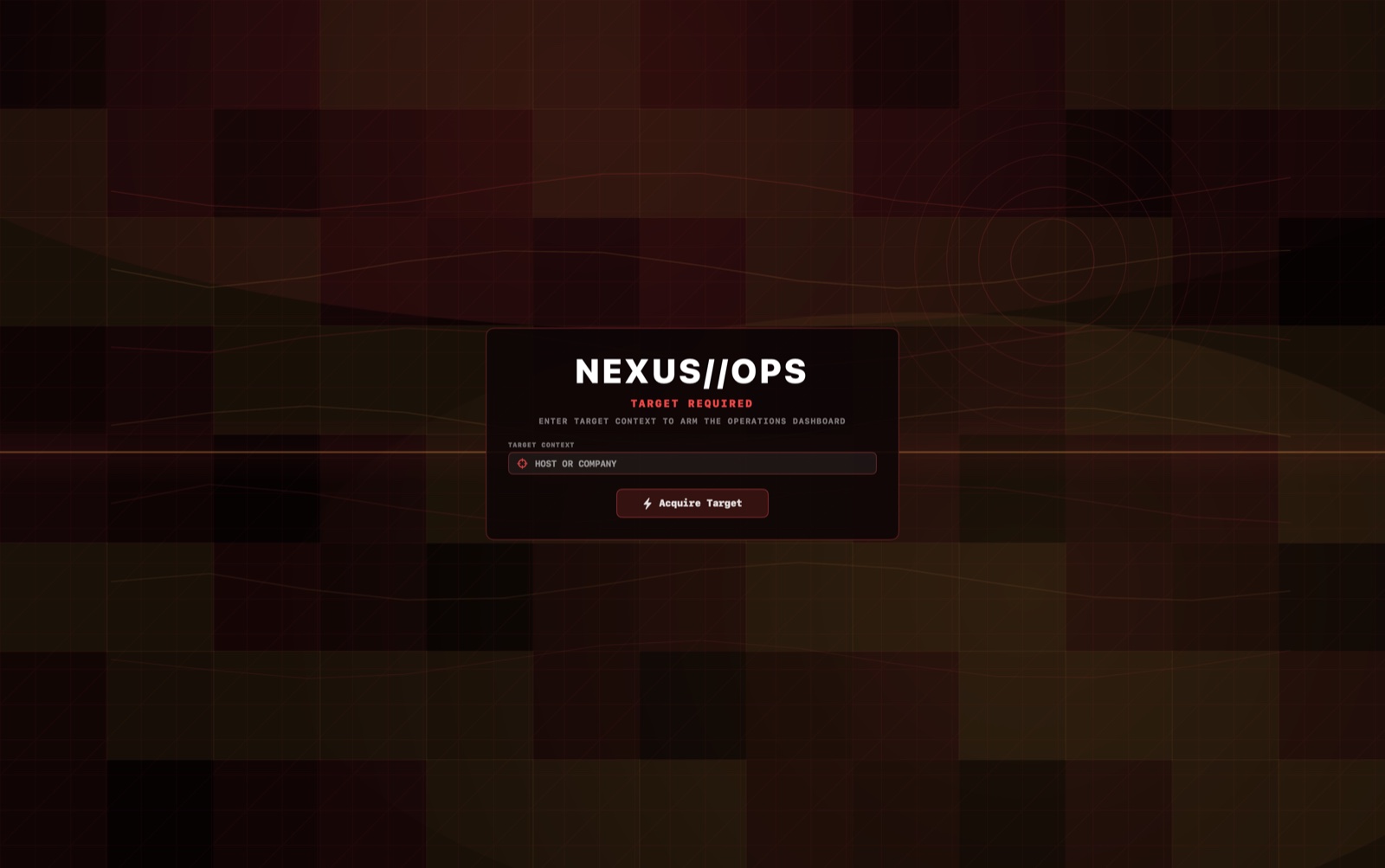
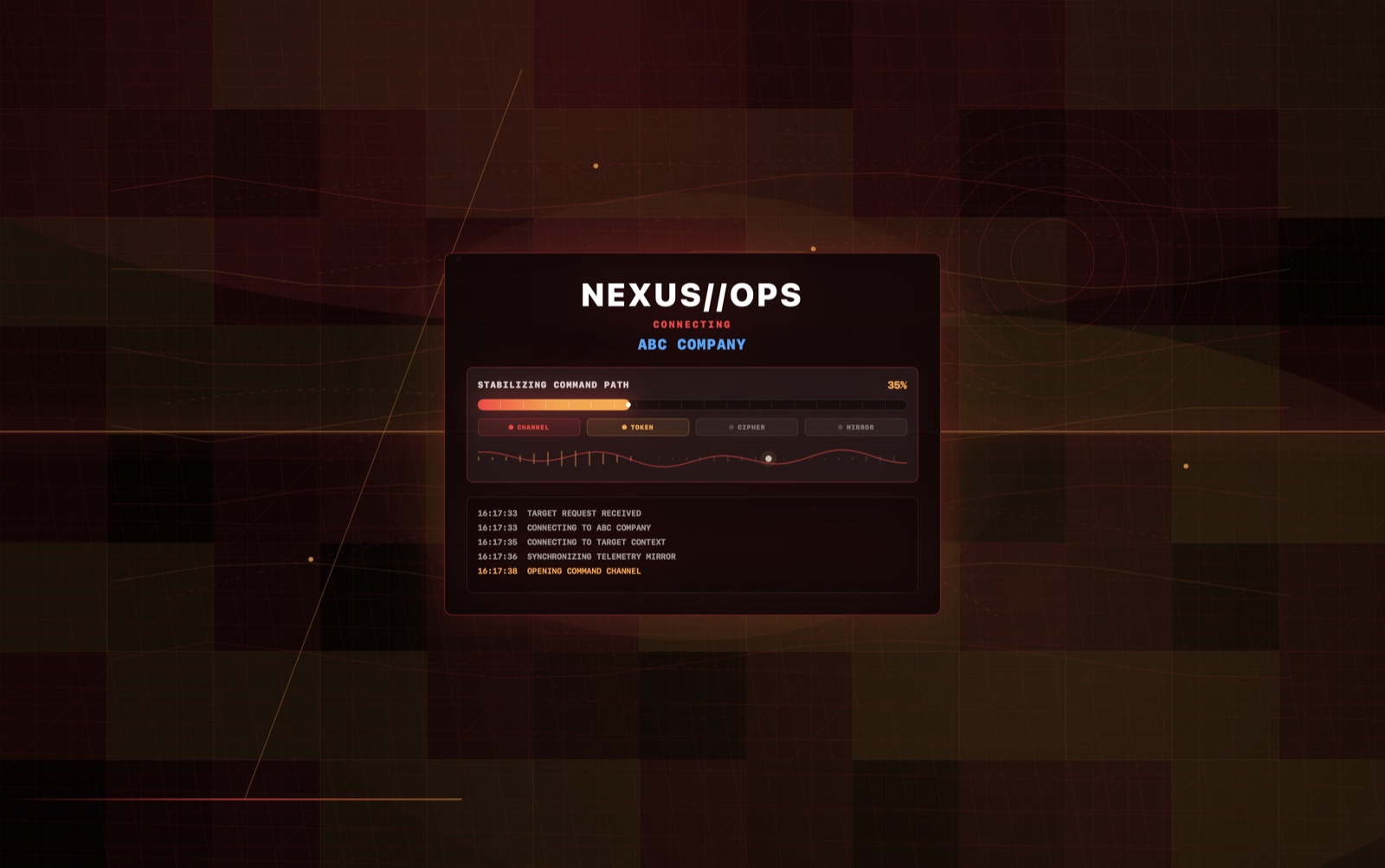
NEXUS//OPS includes multiple live screen areas for wide shots, close-ups, rehearsals, client presentation, and controlled playback.
Core status, signal graphics, active target context, operator metrics, command logs, and rapid visual movement.
Presentation-ready mission states, selected target name, operation posture, and scene pacing controls.
Confidence indicators, sector data, risk tier, intelligence-style summaries, and animated analytic panels.
Entity mapping, timeline phases, receipt state, operator identity, and material that helps a scene feel grounded.
Camera feeds with overlays, moving markers, timestamps, artifacting, zone status, and motion confidence.
Recommended next actions, confidence states, action queue, decision matrix, and high-energy analysis visuals.
Briefing report previews, operation replay, waveform-style panels, event markers, and final summary states.
Theme, scenario, shot mode, audio profile, camera safe mode, and production-focused visual tuning.
A red emergency control halts the deck, blurs the workspace, shows system lockdown, and exits cleanly.
The app starts clean, lets the operator set a visible target name, then keeps the scene alive through dashboard, mission, intel, evidence, cameras, core, incidents, AI actions, records, settings, and replay views.
The demo reel shows the real production value: fictional cyber operations screen graphics for film, TV, live events, and content production.
NEXUS//OPS is licensed for fictional screen graphics, production playback, prop interfaces, live operator performance, and cinematic cyber operations visuals. It is not cybersecurity software and does not perform real network access, scanning, hacking, credential capture, or data collection.
Choose the license level that matches the project. Checkout is designed for Gumroad so payments, receipts, license keys, and digital delivery can live in one hosted sales workflow.
Requires macOS 26 or newer on an Apple Silicon Mac. Intel Macs are not supported.
Choose this if: you are a solo creator, designer, small studio, indie production, portfolio creator, social content producer, or internal pitch team creating non-broadcast screen graphics.
Choose this if: NEXUS//OPS will appear in one named commercial project, client production, commercial shoot, ad, music video, short film, feature film, pilot, branded content piece, or production design playback setup.
Choose this if: you need television, streaming series, network production, agency campaign, multi-seat team, enterprise production, recurring show, or custom prop-screen package rights.
No. NEXUS//OPS is a visual command-screen product. It does not access networks, run shell commands, capture credentials, scan files, or perform offensive workflows.
NEXUS//OPS requires macOS 26 or newer on an Apple Silicon Mac. Intel Macs are not supported.
Yes. It was built for premium screen playback, rehearsal, client review, live operator performance, and production design workflows.
Choose Studio for solo creators, small studios, indie filmmakers, and designers creating smaller screen graphics. Choose Production when the app will appear in one paid client project, commercial shoot, film, ad, pilot, or music video. Choose Broadcast for team, network, streaming, agency, recurring show, or larger commercial use.
After payment confirmation, the signed and notarized macOS DMG is delivered through a private download page or delivery archive.